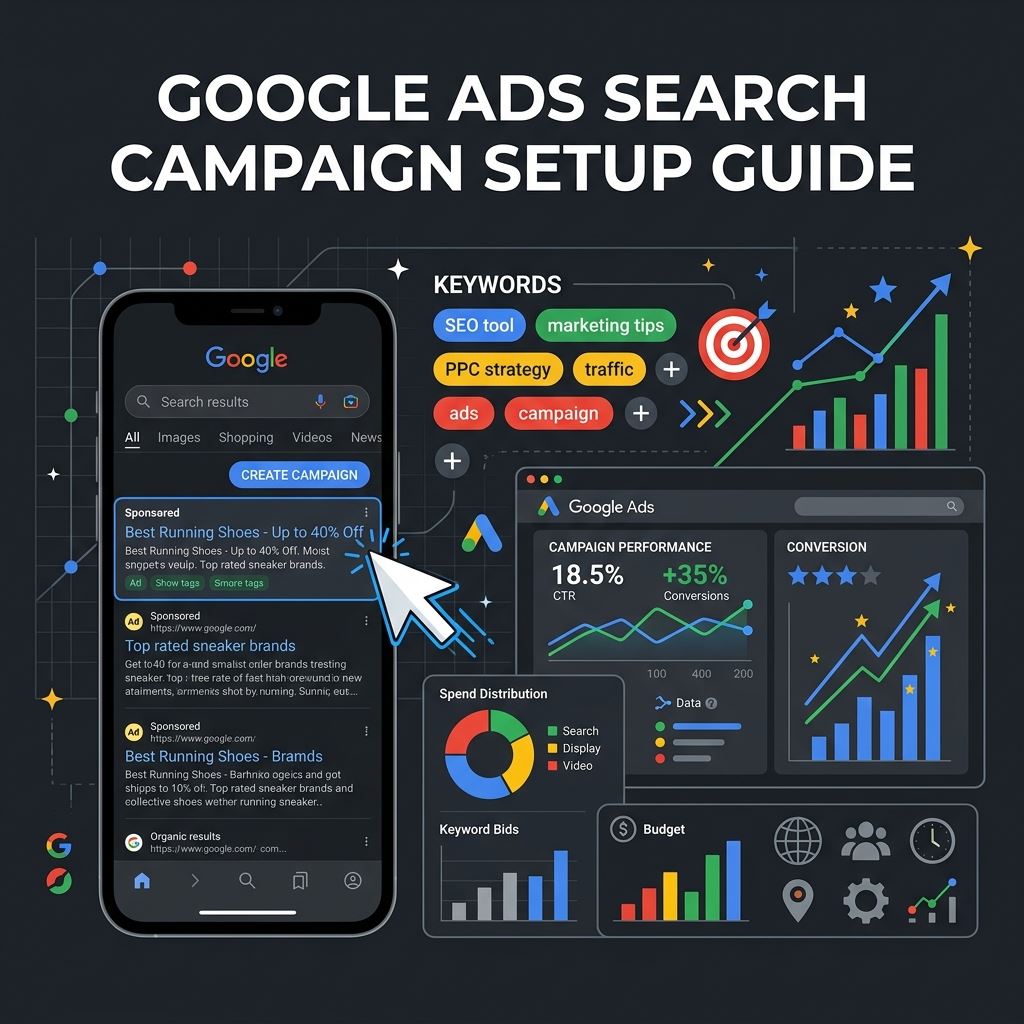
Google Ads is one of the most immediate ways to drive high-intent leads and buyers to your business. Unlike social media campaigns where you display ads to passive browsing audiences, search campaigns allow you to capture users actively looking for your exact services right at the moment they enter a search query.
However, setting up a search campaign incorrectly can lead to rapid budget drain with zero return on investment. This step-by-step guide walks you through building a structured, high-performing Google Ads search campaign from the ground up.
Table of Contents
1. Define Conversion Actions & Tracking First
Never launch a paid advertising campaign without configuring conversion tracking. Without this, Google's smart bidding algorithms cannot optimize, and you cannot measure your true ad returns.
- Install the Google Tag: Place the global Google Tag on every header block of your website.
- Track Lead Form Submissions: Set up event triggers that fire when a user successfully completes a form or clicks on a contact phone number link.
- Enable Enhanced Conversions: Send secure hashed customer data (like email addresses) back to Google to improve attribution accuracy and recovery.
2. Structuring Ad Groups and Keyword Selection
A structured account is key to keeping costs low. Group your keywords into tightly focused Ad Groups instead of packing all keywords into one massive basket.
- Align Search Intent: Separate informational searches (e.g. "what is seo") from commercial queries (e.g. "hire seo specialist chennai"). Focus paid bids on commercial keywords.
- Understand Keyword Match Types:
[Exact Match]: Tight control. Fires only when the search query matches the keyword meaning exactly."Phrase Match": Balanced reach. Fires when the query includes the meaning of your keyword.Broad Match: High reach, high risk. Fires on related variations. Use only in tandem with smart bidding.
- Build a Negative Keyword List: Pre-exclude keywords like "free", "jobs", "salary", or "courses" to prevent wasting budget on non-buying searches.
"The secret to saving money in Google Ads is not finding the best keywords, but excluding the bad ones. Your negative keyword list is your budget's primary shield."
3. Write Compelling Responsive Search Ads (RSAs)
Google uses Responsive Search Ads, allowing you to enter multiple headlines and descriptions. Google's machine learning then tests different combinations to find the best match for each searcher.
- Enter 10-15 Headlines: Include your primary target keyword in at least 3 headlines. Use clear calls to action (e.g., "Get a Free Website Audit") and value propositions (e.g., "Certified Google Ads Partner").
- Add 4 Descriptions: Write comprehensive descriptions detailing your experience, services, client results, and credentials.
- Utilize Ad Assets: Add sitelinks, callouts, phone numbers, and image assets. This increases your ad's real estate on the search page, improving your Click-Through Rate (CTR).
4. Bidding Strategies and Budget Allocation
Bidding should align with your conversion goals and your historical account performance data.
- Start with Maximize Clicks or Maximize Conversions: For new campaigns with zero data history, start with "Maximize Clicks" to gather traffic. Once your account records 15-30 monthly conversions, switch to "Maximize Conversions".
- Set a Target Cost Per Action (tCPA): Once conversions stabilize, set a target CPA constraint to prevent Google from bidding too high for single conversions.
Balamurugan's Campaign Recommendation
Disable Google's "Search Network Partners" and "Display Network" options during search campaign setup. Keeping them checked spreads your search budget into external banner placements and low-intent partner portals, diluting lead quality.
Frequently Asked Questions
There is no mandatory minimum budget. However, a good guideline is setting a daily budget equal to at least 5 to 10 times your estimated cost-per-click (CPC) so you can capture sufficient traffic to gather data daily.
Ad Strength is a metric evaluating headline diversity and relevance. High ad strength improves your Ad Quality Score, which directly lowers your Cost-Per-Click (CPC) and helps win auction placements over higher-paying competitors.
Typically, the system takes about 7 days in the "learning" state to optimize bidding. Avoid making major campaign changes (like bid adjustments or structural changes) during this initial week to allow data to stabilize. For additional details, refer to the Google Ads Help documentation.